
Why Your WiFi Struggles During Load Shedding (and How to Actually Fix It)
Published 2026-08-11
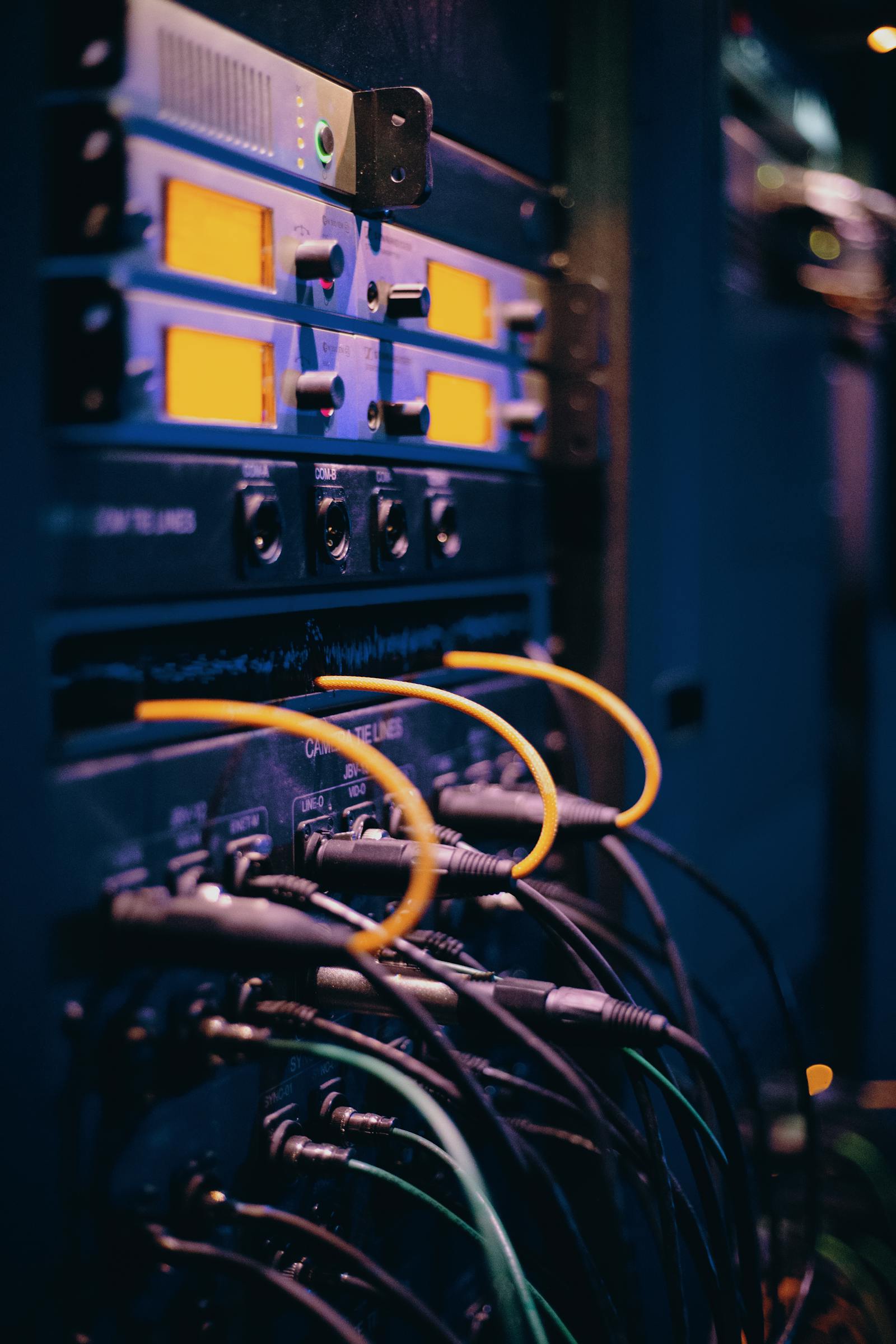
It's a common complaint: the household inverter or generator kicks in fine during load shedding, the lights stay on, but the internet still drops. The reason usually has nothing to do with your electricity backup and everything to do with what it's actually plugged into.
Your WiFi depends on more links than you think
A working home internet connection during an outage depends on several separate pieces of equipment all staying powered at once: the fibre or ADSL router supplied by your ISP, your own WiFi router or mesh units, any network switch in between, and — easy to forget — the ISP's own local exchange or fibre node down the street, which needs its own backup power to keep serving your area at all.
If even one of those links loses power, your WiFi drops, regardless of how well your own equipment is protected.
What's actually worth backing up
For most homes, a small dedicated UPS (uninterruptible power supply) on just the router, ONT/fibre box and any switch is enough to keep a home network running through a typical load shedding stage — and it's a far smaller, cheaper device than backing up the whole house.
For offices, the same principle applies at a larger scale: the core switch, router and any access points covering critical areas (like a till point or server room) are worth putting on UPS backup even if the rest of the office isn't.
What backup power won't fix
If your local fibre exchange or ISP infrastructure itself loses power during an extended outage, no amount of backup at your property will keep the connection alive — that link is outside your control. A mobile data failover router is the practical answer for that scenario, switching to LTE automatically when the fixed line drops.
A simple way to check what's actually happening
Next time the power goes, check what's still lit up: if your router's lights are on but there's still no internet, the problem is upstream at your ISP's infrastructure, not your own setup. If the router itself goes dark, that's a backup power gap you can actually fix.
Getting it set up properly
We size UPS backup into WiFi and network installations as standard rather than as an optional extra, because a network that only works when the power is on isn't solving the problem most South African households and offices actually have.